For sales teams

The deal starts with a conversation. Keep the whole story in view.

Enquiries arrive by email. People ask questions, book calls and change priorities. BrainCenta helps you research the company behind an opportunity, then keeps the conversation, relationship and deal together.

No credit card requiredKeep your existing mailboxYou review AI replies
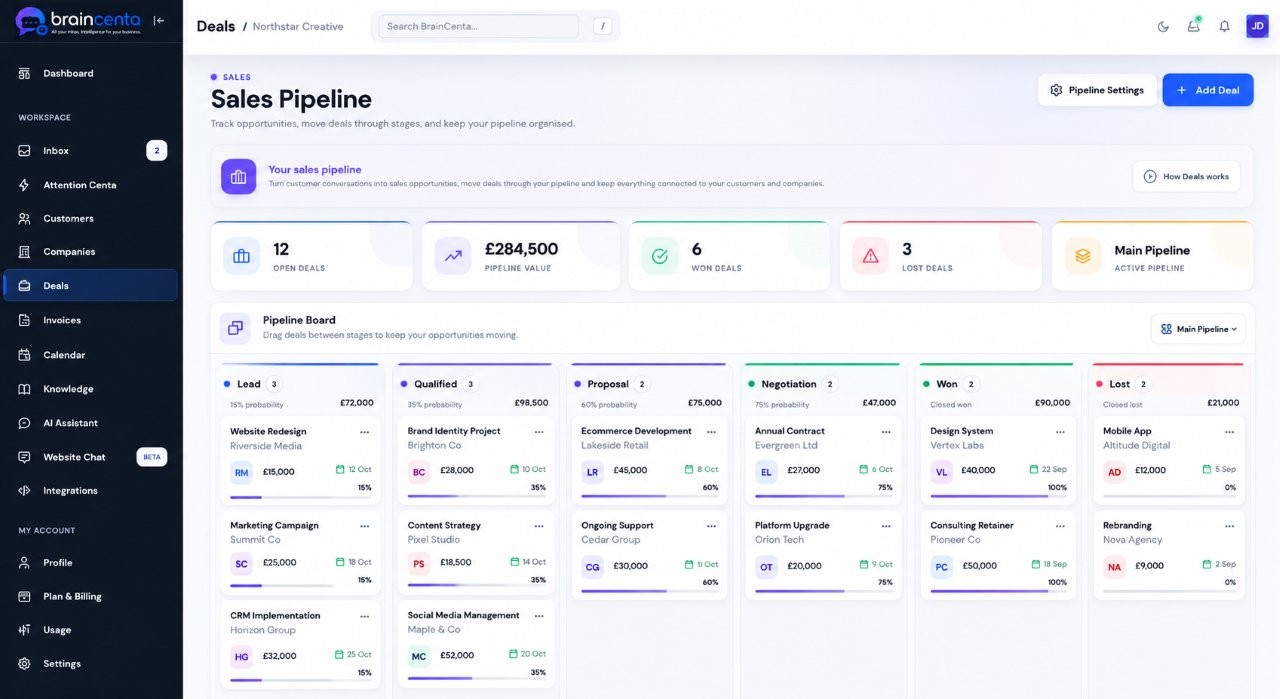
BrainCenta sales deals pipeline
Know the next step without losing the conversation behind it.
One connected sales workspace
EmailCompany intelligenceContactsDealsMeetingsQuotes
The sales conversation

Know who you are speaking to and what happens next.

Good sales work depends on the history behind the request and a clear view of the opportunity ahead.

The relationship

Keep the prospect and the conversation together.

See the people and company behind an enquiry alongside the email exchange, so the next reply starts with the right context.

  • Find the thread before a call or follow-up
  • Keep customer and company records connected
  • Understand what the prospect has already asked
The opportunity

Give the potential work a clear next step.

Move an enquiry into your deals pipeline and keep meetings, follow-ups and commercial documents close to the relationship.

  • See opportunities by pipeline stage
  • Keep the next meeting on the calendar
  • Prepare a quote when the conversation is ready
Email intelligence for sales

Reply with context, without starting from scratch.

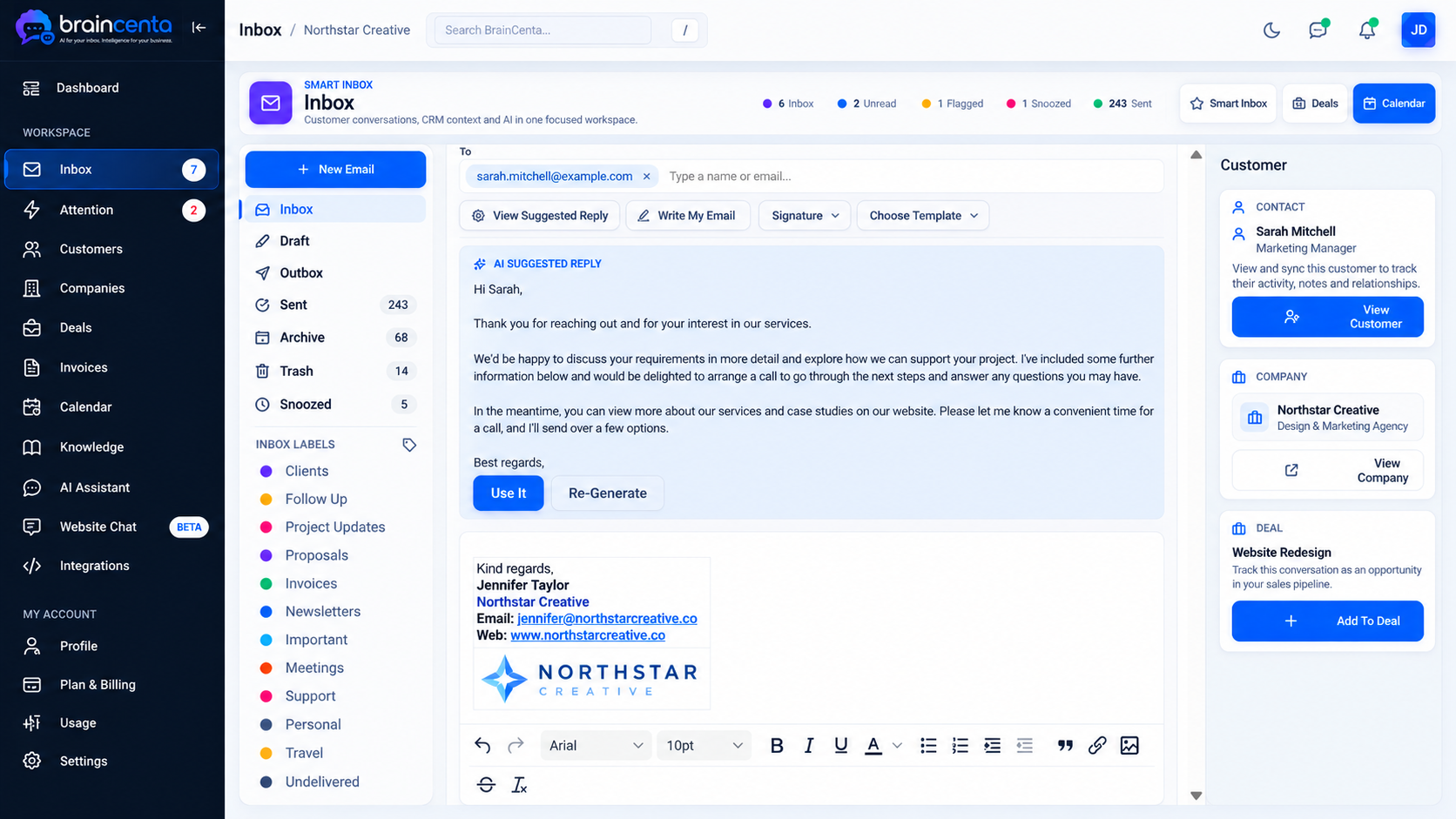
Catch up on a long prospect thread and prepare a relevant response using the conversation and available business context. Your team reviews the message before sending it.

Connect supported Gmail, Microsoft and IMAP mailboxes
Summarise the email history before your next reply
Prepare suggested replies and edit them yourself
Explore the AI Inbox
BrainCenta AI suggested sales email reply
Company intelligence

Know the company before the first call.

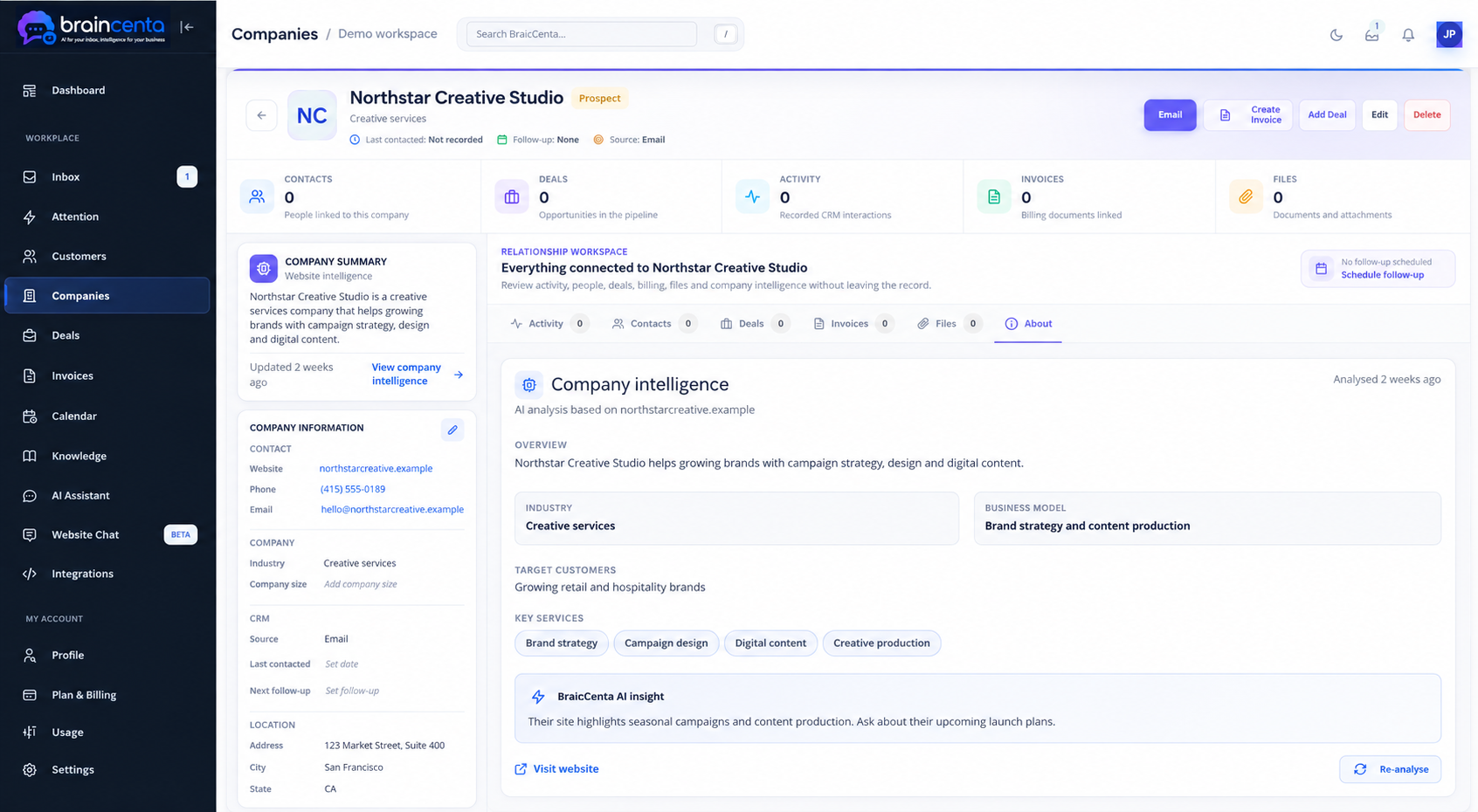
Scan a prospect's website in seconds and BrainCenta creates a company brief your sales team can use to prepare. Understand what the business does, who it serves and the services it offers before you reach out.

01Start with the website of a company you want to approach.
02Review an AI overview, industry, target customers and key services in the company record.
03Use the brief to prepare more relevant questions and a better informed conversation.
BrainCenta company intelligence showing a website based company overview, target customers and key services
From enquiry to opportunity

Keep the next move easy to see.

Bring the pieces of a sales relationship together as the conversation develops.

01 / INBOX

Enquiry

A prospect writes to your connected mailbox.

02 / CRM

Relationship

Keep the contact and company linked to the conversation.

03 / DEALS

Opportunity

Track potential work in your sales pipeline.

04 / CALENDAR

Next step

Plan a meeting or follow-up with the relationship in view.

A pipeline with the story attached

See where a deal stands and why it matters.

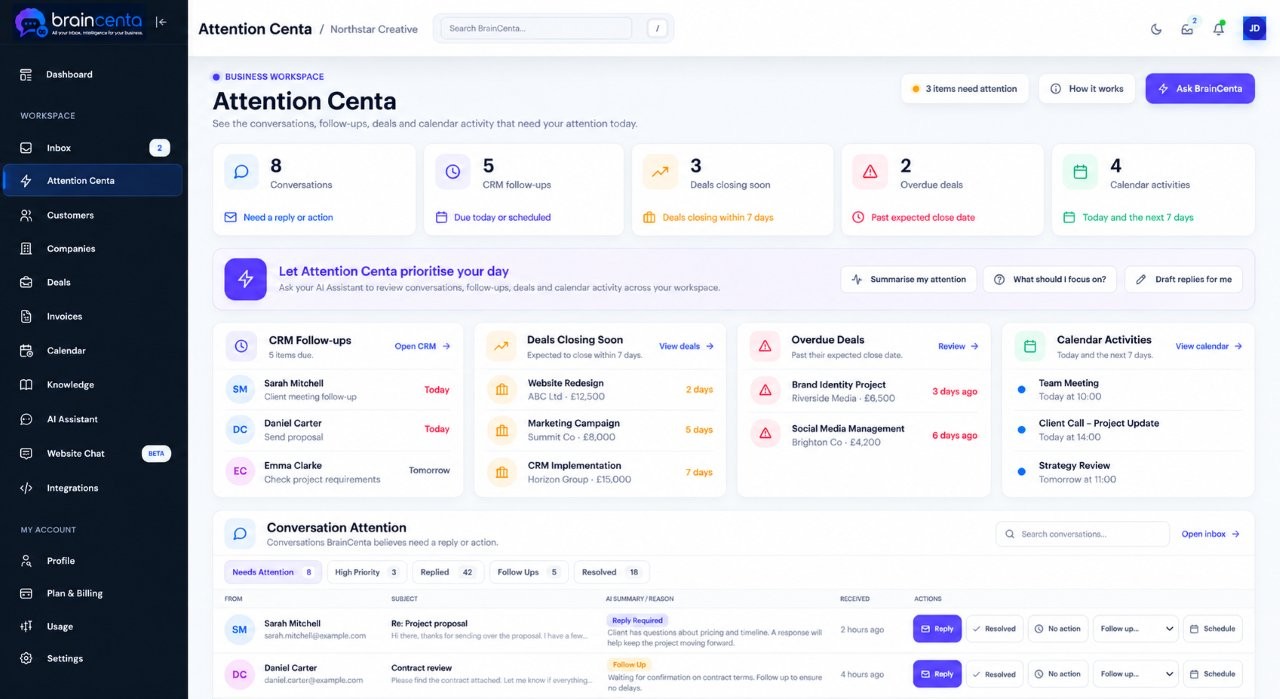
Track opportunities through your pipeline while keeping the contacts, company and conversation behind each one close at hand. Make the next step clearer for the people working on the account.

Organise deals by stage in a visual pipeline
Link an opportunity with a customer or company
Keep follow-ups and meetings connected to the deal
Explore Deals
BrainCenta Attention Centa showing sales conversations and deals
Your business knowledge, available to AI

Give every answer more of the right context.

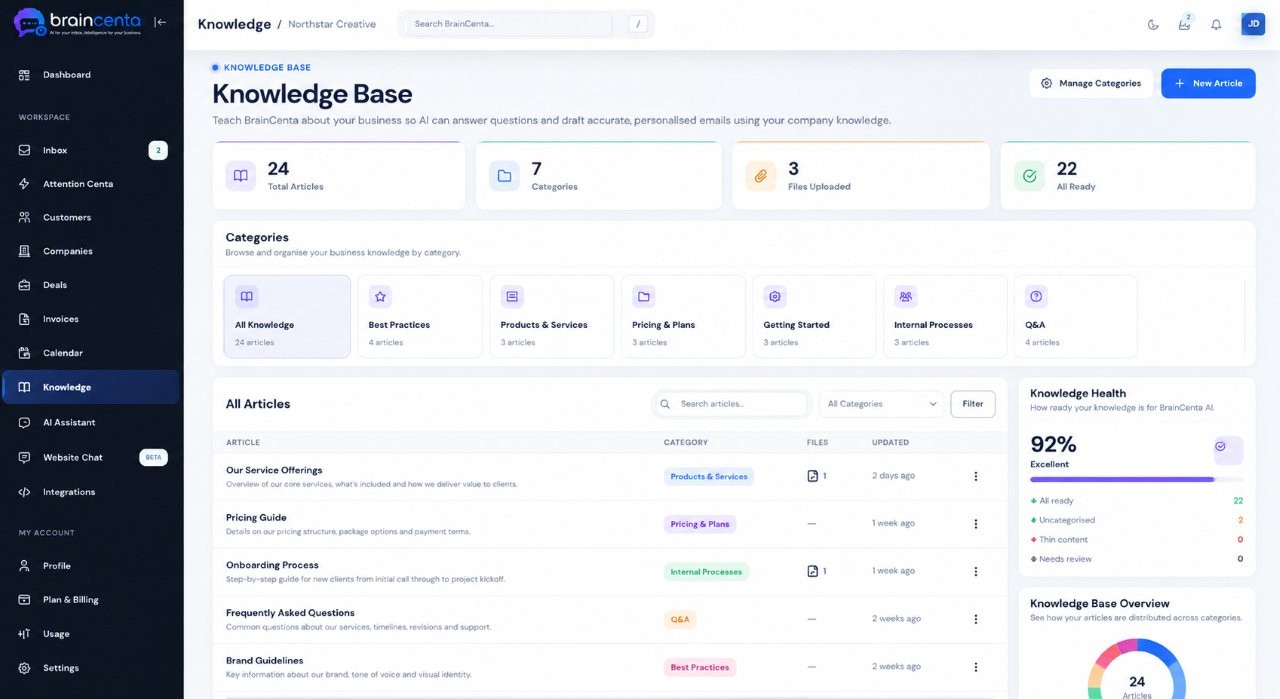
Add approved information about your products, services and common questions. BrainCenta can use available conversation and relationship context when helping your team write, while your website assistant uses the knowledge you select for it.

Prepare replies grounded in the conversation you are reading
Keep approved answers about your business close at hand
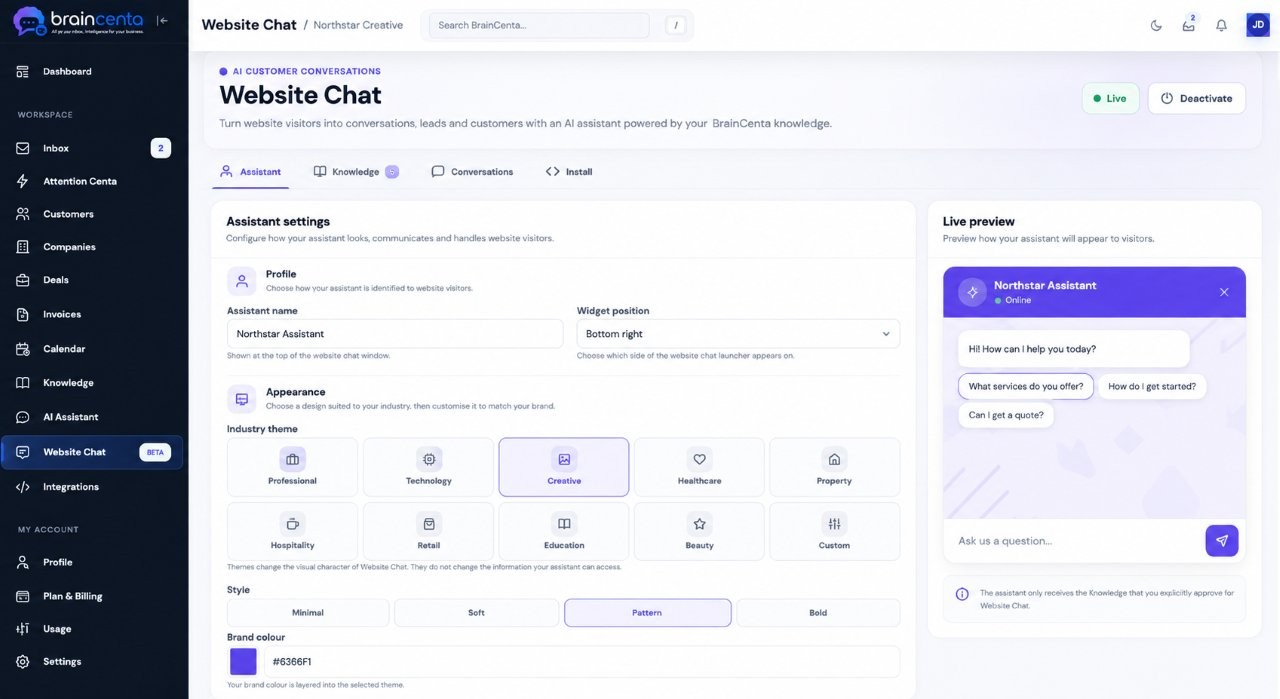
Let website visitors ask questions about your services
BrainCenta approved business knowledge
Business knowledge

Use information your team has approved.

BrainCenta website chat assistant
Website Chat

Answer visitor questions from selected knowledge.

The work around every deal

Keep the relationship moving beyond the inbox.

Bring the follow-through closer to the emails and people that created the opportunity.

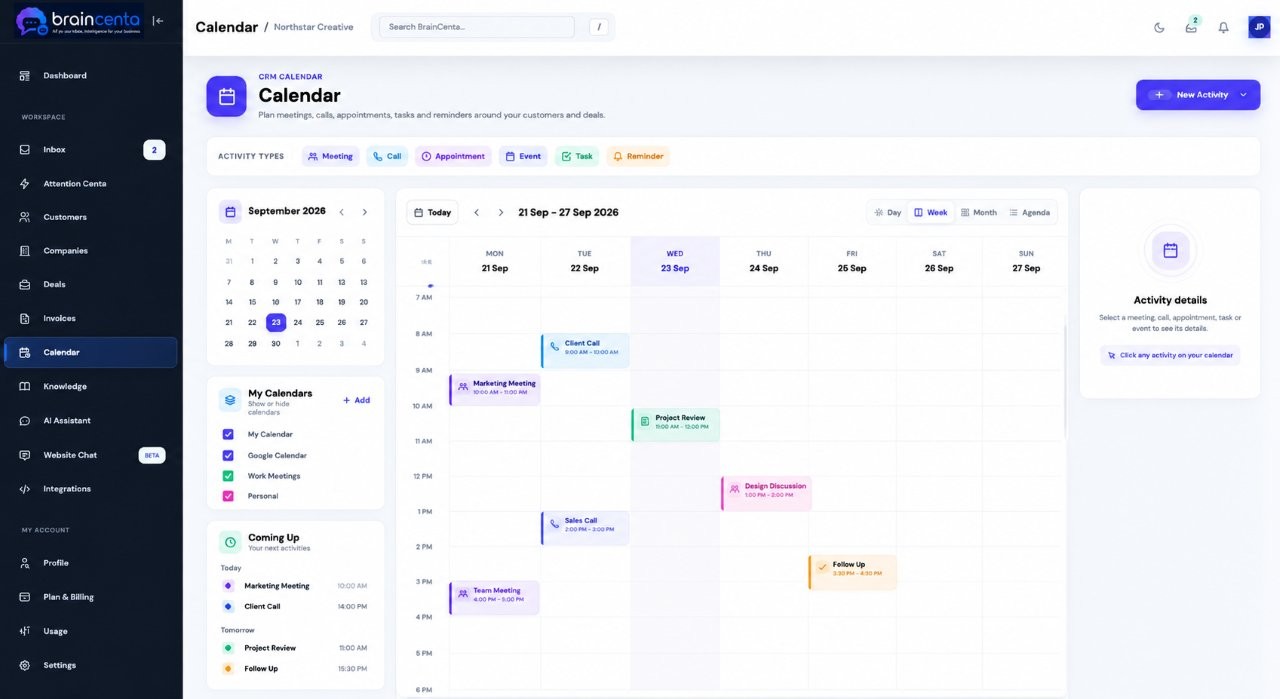
BrainCenta calendar and meetings

Meetings & follow-ups

Arrange calls, create Google Meet links and keep events linked to the contact, company or deal.

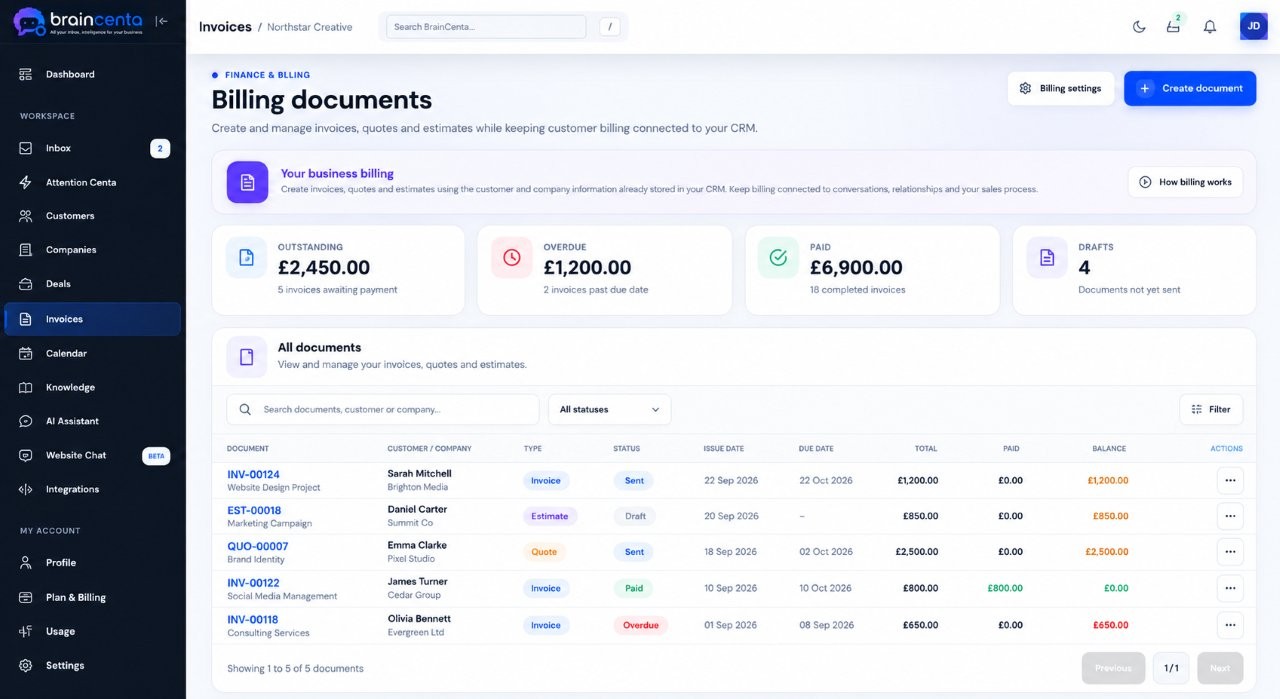
BrainCenta quotes and invoices

Quotes & invoices

Prepare a quote or estimate, then create an invoice in the same business workspace.

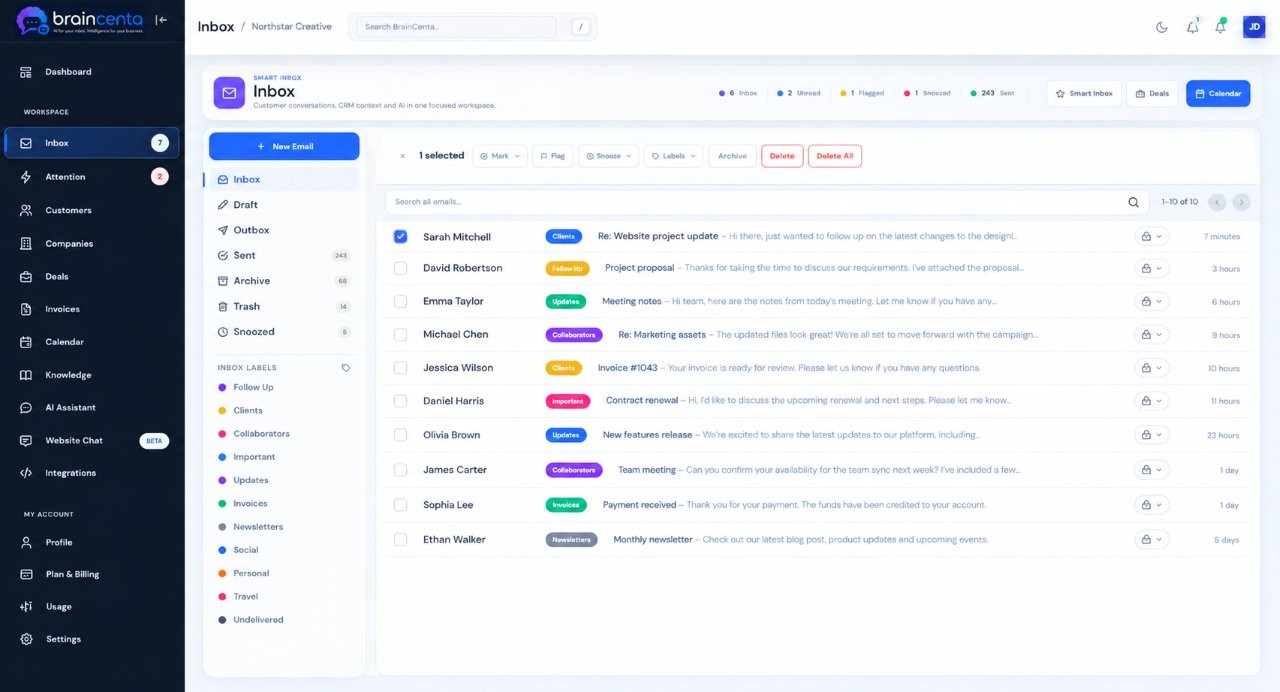
BrainCenta connected email inbox

Conversations in view

Find the messages that explain what the prospect needs and what your team has promised.

Built for relationship-led sales

Useful when every deal has a conversation behind it.

Bring more structure to sales without losing the human context that helps a relationship grow.

01

Small sales teams

Keep enquiries, contacts and opportunities clear when everyone handles several parts of the sale.

02

Account managers

See the company and previous conversations before the next client call.

03

Service-led businesses

Move from a client request to a meeting, quote and ongoing relationship.

Sales questions

What your team may want to know before starting.

Can we use our existing sales email addresses?

Yes. Connect supported Gmail, Microsoft and IMAP business mailboxes, so your team can keep working with addresses prospects already know.

How are deals linked to customers and companies?

You can associate a deal with the people and organisations involved, keeping the sales opportunity close to the relationship.

How does company intelligence help us prepare?

BrainCenta scans a prospect's website and creates an AI company brief with an overview, industry, target customers and key services. Your team can review it in the company record before outreach or a meeting.

Does AI send sales emails automatically?

No. BrainCenta can prepare summaries and suggested replies, but your team reviews, edits and chooses when to send an email.

Can we create a quote after a sales meeting?

Yes. Quotes, estimates and invoices are available in the same workspace as your contacts, deals and calendar.

Keep the conversation moving

Give every opportunity the context it deserves.

Research the companies you want to win, then bring sales email, contacts, deals, meetings and quotes together in one workspace.